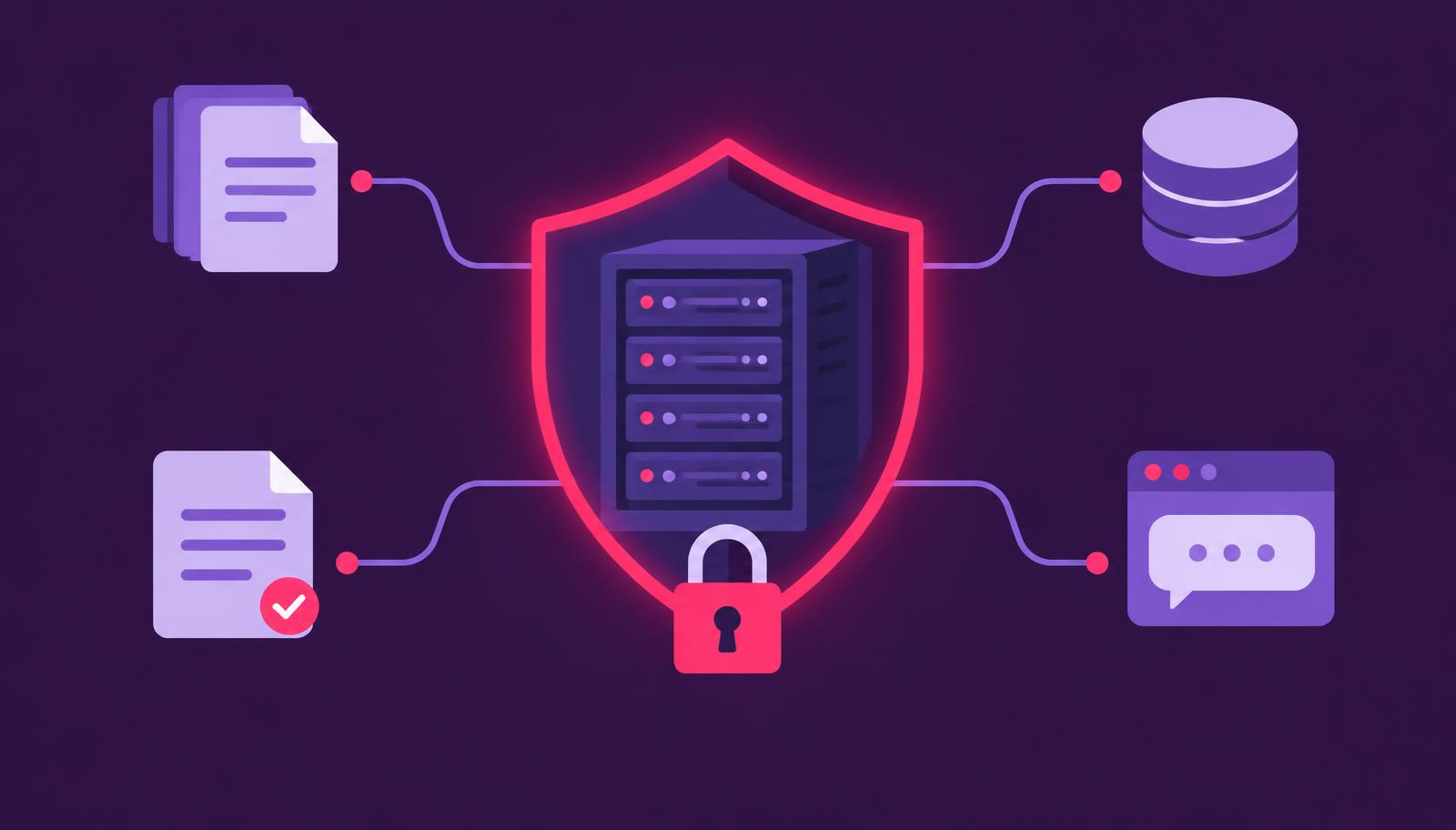
A letter arrives by email, the policy sits in a specialist system, previous cases in an archive and the work instructions on the intranet. Staff switch between four applications, piece the information together and write answers by hand.
Companies that want to run AI agents with LLMs on-premise for work like this mostly worry about one thing: whether sensitive information can be processed where the work happens, in a way that is controlled, traceable and fits existing processes.
The choice of model comes second.
A large language model can speed this work up considerably. It answers questions about internal documents, summarises cases, classifies requests and prepares decisions. It still needs permissions, business logic and a clean data foundation around it.
Installed on a server by itself, it is nothing more than a nice chat window.
People start using it every day once it is connected to their systems, follows their rules and has an operating concept behind it.
When an on-premise LLM makes sense for your company
On-premise is often read as "every file sits in our own data centre". What matters is who controls the infrastructure, data access, model versions and logs.
That can be your own data centre, a dedicated environment or, if your internal policies allow it, a European cloud with clear data residency and contractually governed processing.
Local operation fits particularly well when you process personal data, trade secrets, health data, technical drawings or security-relevant documents, which is common at insurers, energy suppliers, public authorities, life sciences and industrial companies. At high request volumes your own model can also pay off, because you don't pay usage-based fees to an external interface for every request.
For a small, non-critical use case with few users, a managed service usually starts faster and costs less, and running a large model locally just because it is technically possible is rarely worth it. The decision follows from data classification, load profile, integration effort and what security and compliance require. What on-premise gives you is control over the whole operation.
What a production architecture looks like
The language model is one layer of several. In production, for each question the system first searches your approved sources, passes the matching passages to the model and returns an answer that names or shows the sources it used. This pattern is called retrieval-augmented generation (RAG).
Because the sources are visible, business teams can check the answers, and audit and quality assurance can trace them. When a policy changes, you update the document collection without retraining the model, which makes RAG the better fit for most corporate use cases.
A practical environment usually has a model server, protected storage for documents and search indexes, an integration layer to your business systems, a user interface or API, and an operations and monitoring concept. Each component gets only the access it needs. A customer service assistant should not reach personnel files just because both sources are technically reachable.
Model choice is an operational decision as well. Small and medium-sized open-source models often handle classification, extraction, summaries and questions about clearly defined knowledge bases. Larger models help with complex reasoning, multilingual text and long contexts, but they need much more GPU memory and energy. We test candidate models on real, anonymised work cases rather than general benchmarks, because a good score in a test suite says little about whether a model reads your tariff conditions correctly.
Connecting the model to your systems
The biggest time savings come when the system knows the case and prepares the next step. A service assistant can capture a request, pull customer data from the CRM within the user's existing permissions, find relevant knowledge articles and put a draft reply into the ticket. Staff approve the reply for as long as the risk and the process require it.
For this you need clearly defined interfaces. The LLM should never write to databases directly and without limits. An integration layer exposes only the functions the process needs, such as reading a case, searching documents, saving a draft, checking an appointment or updating a status, and each function validates its input, checks permissions and logs the call.
The same layer limits prompt injection, where a document or message contains instructions meant to push the model into unwanted actions. The model can read such text, but it gets no extra rights from it, because the limits are enforced outside the model.
At ESA's mission operations centre, OCAI Next Generation, an assistant we built at Two Impulse, supports teams across 20 missions. We measure it by how much the teams use it day to day, and correlating telemetry with procedures now takes minutes instead of hours. It works because data, domain knowledge and process steps are connected in one system, and that approach carries over to other domains.
Security and governance from the start
Running locally doesn't remove security work, but you do it by your own rules. Start with a data map: which sources may the system use, which content may each user group see, and which data is stored, and for how long?
After that, the system needs concrete guardrails:
- role-based access that inherits existing identity and permission systems;
- encryption for stored data and for communication between components;
- logs for requests, sources, tool calls, approvals and model versions;
- tests against wrong answers, unauthorised access, prompt injection and outages;
- clear escalation paths when the model is uncertain or a case requires human review.
These controls also help with the EU AI Act. Which obligations apply depends on the specific use and its risk category, but in any case you should document what the system is for, where its limits are, how staff use it and who approves changes.
Staff also need AI literacy: they should recognise when an answer needs checking and which data doesn't belong in free-text fields, which takes more than one presentation.
Plan costs by load and service level
Hardware is the visible cost. Running costs show up elsewhere: operations, security updates, monitoring, model testing, data maintenance and support for business teams. Budget for a reliable service, with the GPU server as one part of it.
Capacity depends on concurrent users, response time, context length and model size. An internal knowledge system with 30 concurrent requests needs something different from a customer service operation with a hundred parallel conversations. Load tests with realistic requests keep you from oversizing the infrastructure, and from response times that collapse during roll-out.
Measure business results from before launch, for example processing time per case, search time, first-contact resolution, error rate or the share of approved drafts. You justify a local LLM with a measurable effect on cost, speed or risk.
Go live in small steps
Start with a process that has enough volume and is narrow enough to check quality. Document search for one specialist team, pre-qualification of service requests or summaries of standardised case files usually make better first candidates than a company-wide chat.
Before you build, agree on a measurement point, a responsible business owner and a clear limit on what the system may do. Then connect one data source, test with real cases and roll out to a selected group first. Add more data sources and automated steps once the quality metrics are stable, so the effect stays measurable and the technology stays manageable.
Since 2016, we at Two Impulse have delivered more than 50 AI projects for over 25 clients. In our experience an MVP can go live in two to four weeks if the business team, IT and security work together from the start. Whether people accept it and get value from it shows in operation afterwards.
An on-premise LLM will still make mistakes. What you get is infrastructure you control, for clearly defined work. Start with one important process, clean access rules and measurable goals, then add the next use case on the same foundation.
Learn more about Private Sovereign AI, or book a free consultation.